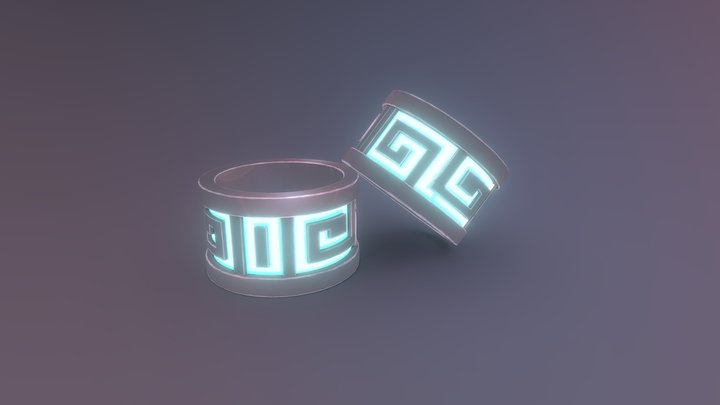
What you need to print this:IntermediateMedium confidence
Why?
supports needed
Single pieceSupports required
Supports2/3
Assembly0/3
Settings1/3
Bed size0/3
Post-process0/3
Printer
FDM / FFF
File format
STL
Material
Min. bed size
50 mm (Small)
Software
Cura, PrusaSlicer, or similar
Frequently Asked Questions
Which 3D printer is suitable for Blinded Condition Ring?
Any FDM printer should handle Blinded Condition Ring just fine. It's been printed on machines like Bambu Lab A1 Mini, Prusa Mini+, Creality Ender 3, most FDM printers. A minimum build volume of 50 mm is recommended.
Does Blinded Condition Ring need supports when printing?
Yes, Blinded Condition Ring will probably need supports for the overhangs. Tree supports work well here and are easier to remove than regular ones.
What file format is Blinded Condition Ring available in?
Blinded Condition Ring is available in STL format. These files can be opened and sliced using free software such as Cura, PrusaSlicer, Bambu Studio, or OrcaSlicer for FDM printing, or ChiTuBox and Lychee Slicer for resin printing. The download is provided through Cults3D.
Is Blinded Condition Ring free to download?
Yes, Blinded Condition Ring is available as a free download through Cults3D. Always check the license on the original platform to understand commercial use, remixing, and attribution requirements.
Did you print this model? Sign in and share your make!
 Cults3D