Thingiverse
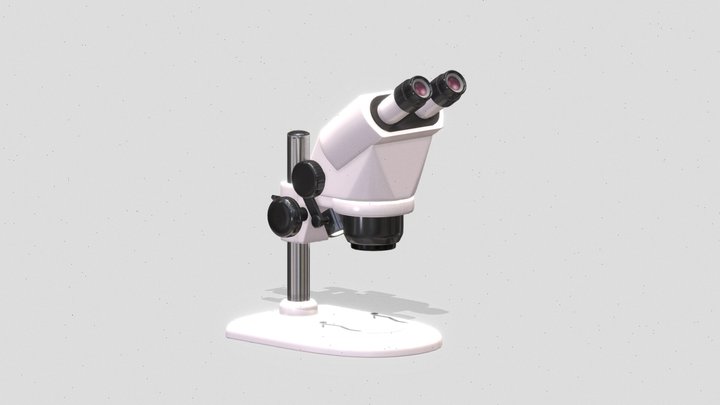
DIY Stereo Microscope
by Toshi_
6
Downloads
24
Likes
0
Makes
(There is an explanation in Japanese in the second half.)
(後半に日本語の説明があります。)
I made a stereo microscope by modifying a cheap pair of binoculars made in China. I use it by attaching them to a smartphone arm.
After modifying the binoculars I used, the focal length from the front of the lens became 185mm, and the field of view became 12mm.
If you can get hold of binoculars with the same structure as the ones I used, you should be able to do the same thing.
However, the size and focal length of the lenses may differ, so they may not work as is. I'll also upload the Autodesk Fusion file, so please modify it as necessary.
The printing material is PLA, and it was basically printed with supports.
I wrote an overview on this blog (sorry, only in Japanese).
https://minkara.carview.co.jp/userid/3336538/blog/48970902/
■ArmJoint.stl
This is the part that attaches the microscope to the smartphone arm.
■ArmJoint_Gear.stl
This is the pinion gear that moves the telescope tube up and down to adjus
(後半に日本語の説明があります。)
I made a stereo microscope by modifying a cheap pair of binoculars made in China. I use it by attaching them to a smartphone arm.
After modifying the binoculars I used, the focal length from the front of the lens became 185mm, and the field of view became 12mm.
If you can get hold of binoculars with the same structure as the ones I used, you should be able to do the same thing.
However, the size and focal length of the lenses may differ, so they may not work as is. I'll also upload the Autodesk Fusion file, so please modify it as necessary.
The printing material is PLA, and it was basically printed with supports.
I wrote an overview on this blog (sorry, only in Japanese).
https://minkara.carview.co.jp/userid/3336538/blog/48970902/
■ArmJoint.stl
This is the part that attaches the microscope to the smartphone arm.
■ArmJoint_Gear.stl
This is the pinion gear that moves the telescope tube up and down to adjus
Did you print this model? Sign in and share your make!
Sign in to leave a comment
Sign inNo comments yet – be the first!