MakerWorld
Organizers
Zum Modell
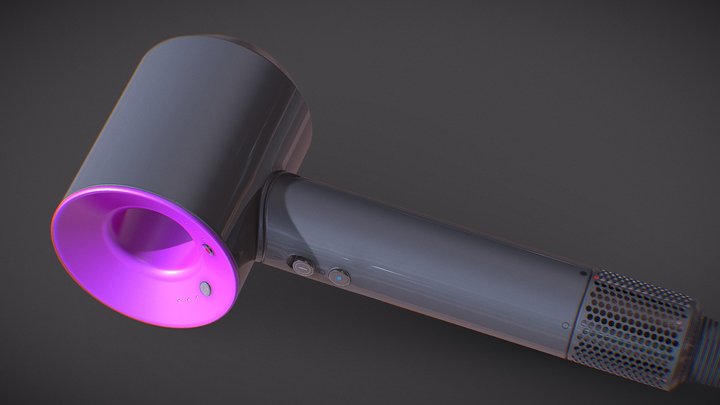
Dyson Supersonic Professional
100
Downloads
32
Likes
52
Makes
You will need 20 8x2 magnets it will pause twice for you to insert them. Make sure you place all magnets the same polarity or you will not get the strongest connection. hope you enjoy! STEP 1. printer will pause take magnets apply very tiny amount of glue to hole where you will set the magnet down.STEP 2. place magnet into hole and hold for 30 seconds to let glue set.STEP 3. repeat step 1 and 2 making sure to place magnets in same polarity as last placed magnet easiest way to do this is stack magnets into a pole to insert the one you are placing and slide them off one at a time.Step 4. resume printing when all magnets are set :)
Hast du dieses Modell gedruckt? Einloggen und dein Make teilen!
Melde dich an, um einen Kommentar zu hinterlassen
AnmeldenNoch keine Kommentare – sei der Erste!