MakerWorld
3D Printer Accessories
Go to Model
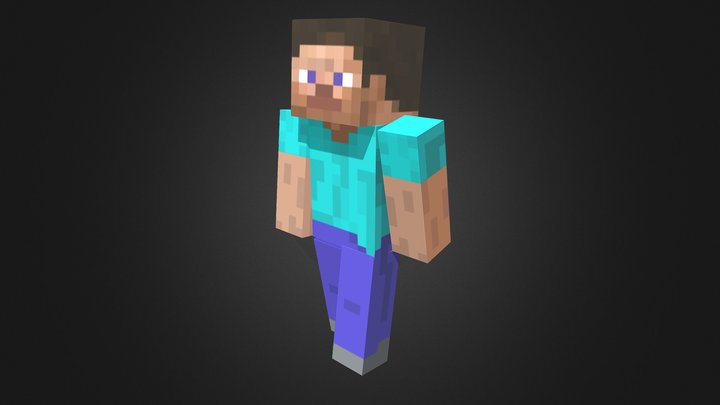
Extruder Steve
67
Downloads
77
Likes
20
Makes
Replace your extruder wheel with a mining Steve. The small end of the rotation rod glues into a hole located on the back side of the arm piece. The back clip needs to be glued on the back side of Steve's body. Be sure to make sure the holes are aligned properly. To install the front panel of the extruder must be temporarily removed as the window must be removed to be able to clip the main body on. After removing the window and pressing the clip in, the front panel can be replaced on the extruder. The rotation rod should slip right through the main body hole and press onto the extruder.
Did you print this model? Sign in and share your make!
Sign in to leave a comment
Sign inNo comments yet – be the first!