Thingiverse


Art
Go to Model
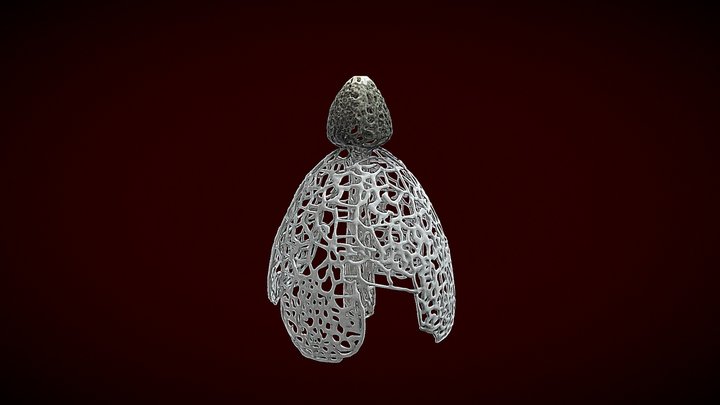
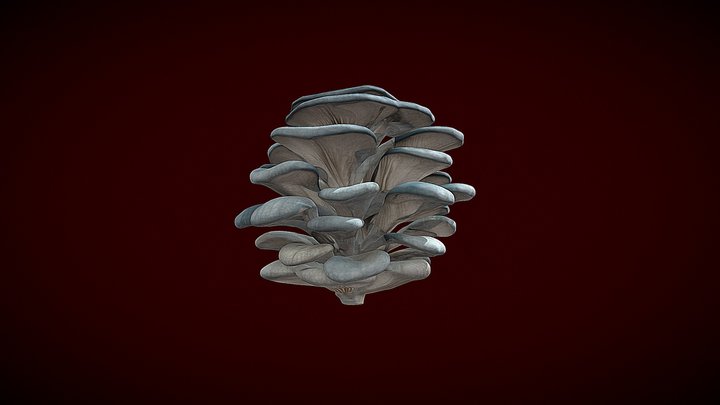
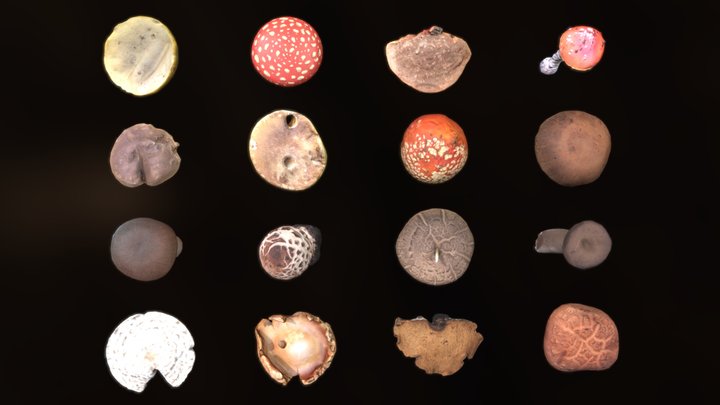
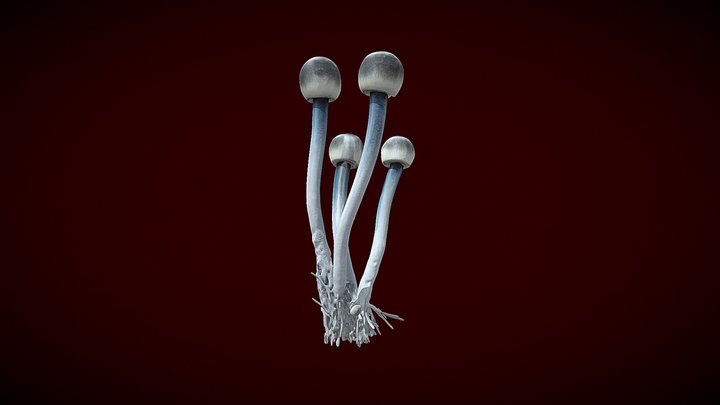
Fungus for Toasterboy
297
Downloads
228
Likes
1
Makes
How to draw fungus in Rhino
1. create two surfaces 'from network of curves' (cirkels and open curves)
2. copy the outer surface
3. use 'blend surface' to connect the inside and the outside surface and 'create solid'
4. paste the outside surface and 'extract wireframe', 'trim' and 'tube' the vertical lines
5. use 'boolinan difference' to remove the tubes and create the gills
1. create two surfaces 'from network of curves' (cirkels and open curves)
2. copy the outer surface
3. use 'blend surface' to connect the inside and the outside surface and 'create solid'
4. paste the outside surface and 'extract wireframe', 'trim' and 'tube' the vertical lines
5. use 'boolinan difference' to remove the tubes and create the gills
Did you print this model? Sign in and share your make!
Sign in to leave a comment
Sign inNo comments yet – be the first!