Thingiverse
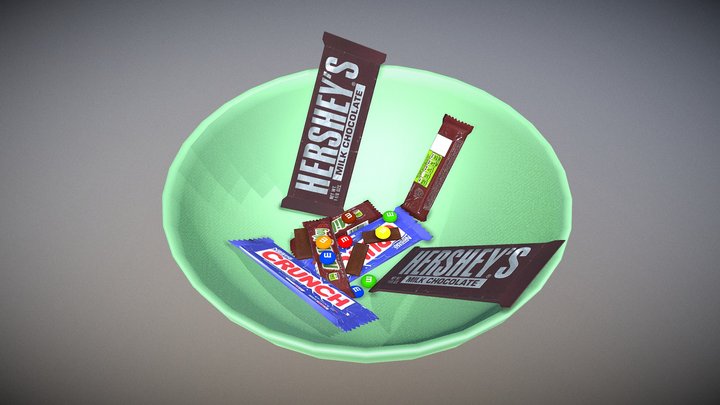
M&M Bowl
by Ollie7802
6
Downloads
11
Likes
0
Makes
Easy to customise M&M bowl
1. Simply open Tinkercad, "https://www.tinkercad.com", import the bowl
2. Go to "https://www.fontspace.com/akachen-font-f1599" to create the name
3. Save as PNG
4. Go to "https://convertio.co/png-svg/" upload png file and press convert
5. Open Tinkercad up again and import the new svg file
6. Re-Size and add to bowl.
7. Export and print!
Please note, I would recommend getting some cling film on the bowl to line it before adding your sweets, just to keep in food safe XD
1. Simply open Tinkercad, "https://www.tinkercad.com", import the bowl
2. Go to "https://www.fontspace.com/akachen-font-f1599" to create the name
3. Save as PNG
4. Go to "https://convertio.co/png-svg/" upload png file and press convert
5. Open Tinkercad up again and import the new svg file
6. Re-Size and add to bowl.
7. Export and print!
Please note, I would recommend getting some cling film on the bowl to line it before adding your sweets, just to keep in food safe XD
Did you print this model? Sign in and share your make!
Sign in to leave a comment
Sign inNo comments yet – be the first!