Thingiverse
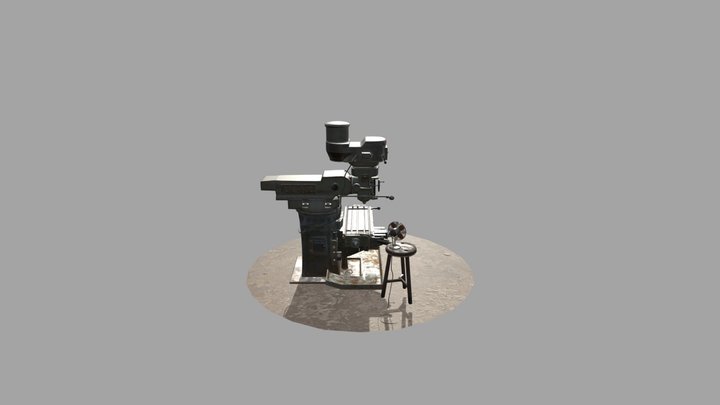
Mini Mill iGaging DRO Mount
von bartlowa05
16
Downloads
6
Likes
0
Makes
Mounting brackets to add [this iGaging DRO](https://www.amazon.com/iGaging-35-706-P-Digital-Readout-Display/dp/B01G4FQI64/ref=sr_1_1?dchild=1&keywords=igaging+dro&qid=1595273331&sr=8-1) to your Sieg X2/Harbor Freight milling machine.
You will need to supply some thin aluminum or steel to attach the encoder to the machine.
The Z-Axis mount may also work for a lathe as well.
Designed around using M5-0.8 fasteners. You will need 4 10mm screws per axis, 2 30mm screws for the Z axis, 2 16mm screws for the Y axis, and two of the M6 bolts that came with your machine to attach the X axis brackets.
Based in large part on https://littlemachineshop.com/images/gallery/Instructions/2016DROInstallation.pdf - with sizes changed to fit the dimensions of the igaging parts.
These parts have modeled M5-0.8 threads, so ensure that you machine is capable of 3d printing a threaded hole.
The X axis can be installed using the already threaded holes in your table. The Y and Z axes need drille
You will need to supply some thin aluminum or steel to attach the encoder to the machine.
The Z-Axis mount may also work for a lathe as well.
Designed around using M5-0.8 fasteners. You will need 4 10mm screws per axis, 2 30mm screws for the Z axis, 2 16mm screws for the Y axis, and two of the M6 bolts that came with your machine to attach the X axis brackets.
Based in large part on https://littlemachineshop.com/images/gallery/Instructions/2016DROInstallation.pdf - with sizes changed to fit the dimensions of the igaging parts.
These parts have modeled M5-0.8 threads, so ensure that you machine is capable of 3d printing a threaded hole.
The X axis can be installed using the already threaded holes in your table. The Y and Z axes need drille
Hast du dieses Modell gedruckt? Einloggen und dein Make teilen!
Melde dich an, um einen Kommentar zu hinterlassen
AnmeldenNoch keine Kommentare – sei der Erste!