Thingiverse


Music
Go to Model
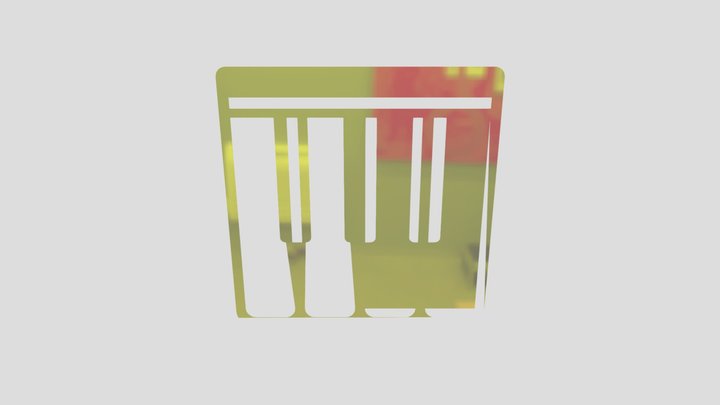
piano keyboard stamp
17
Downloads
13
Likes
0
Makes
A stamp of a two-ocatve piano keyboard.
Use this for marking chords, scales, fingerings etc. The black notes are deliberately hollow (not filled in solid black) to allow marking on them with a pen or pencil.
1. Print the stamp in TPU filament
2. Print the handle in PLA or PETG etc.
3. Glue the stamp into the handle.
4. Sand the TPU stamp on 150 grit sandpaper for 10 mins to even out the impression and improve ink absorbtion.
Usage: I find I get the best results by pressing the stamp onto the ink pad once, then stamping onto paper - press the stamp into the paper with a few pulses of pressure, especially in the middle, then release.
> Putting a few sheets of paper underneath the paper to which the stamp is being applied, may help.
Use this for marking chords, scales, fingerings etc. The black notes are deliberately hollow (not filled in solid black) to allow marking on them with a pen or pencil.
1. Print the stamp in TPU filament
2. Print the handle in PLA or PETG etc.
3. Glue the stamp into the handle.
4. Sand the TPU stamp on 150 grit sandpaper for 10 mins to even out the impression and improve ink absorbtion.
Usage: I find I get the best results by pressing the stamp onto the ink pad once, then stamping onto paper - press the stamp into the paper with a few pulses of pressure, especially in the middle, then release.
> Putting a few sheets of paper underneath the paper to which the stamp is being applied, may help.
Did you print this model? Sign in and share your make!
Sign in to leave a comment
Sign inNo comments yet – be the first!