MakerWorld
Architecture
Go to Model
Simple Low Poly Castle
9
Downloads
1
Likes
3
Makes
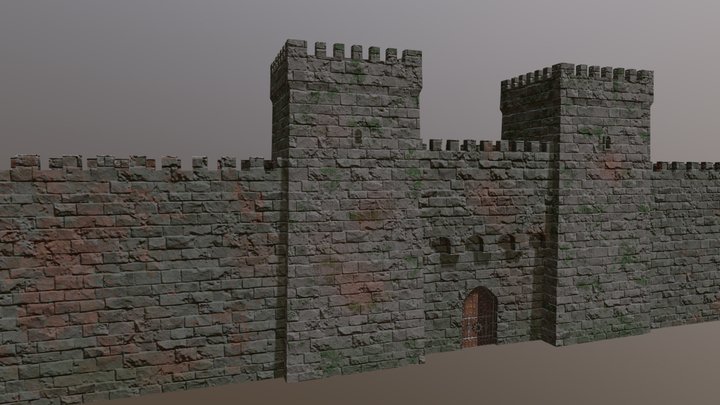
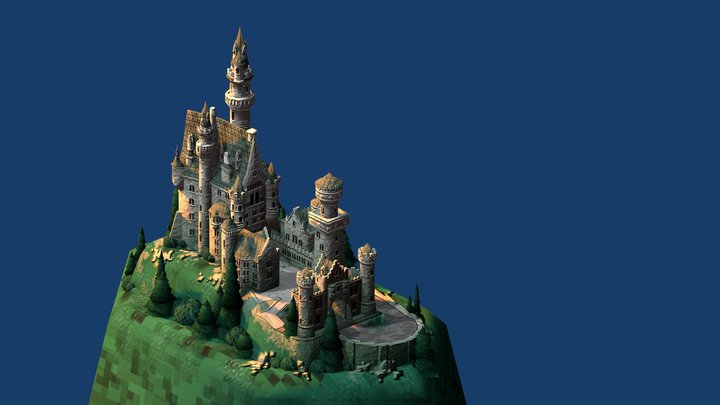
A simple low poly castle A Simple Low Poly Castle in Just 3 Colors I've always been a fan of low-poly art, and I recently decided to try my hand at creating a simple low-poly castle. I wanted to keep the design simple, so I used only three colors: white, black, and green. I started by creating a basic cube shape for the main body of the castle. I then added smaller cubes for the towers and walls. I used black to outline the castle and green to add some details, such as the windows and doors. I'm really happy with how the castle turned out. It's a fun and easy project that's perfect for beginners. Here are some tips for creating your own low poly castle: Start with a simple base shape, such as a cube or sphere. Use a limited number of colors. Add details with smaller shapes. Experiment with different textures and materials. I hope you enjoy creating your own low poly castle!
Did you print this model? Sign in and share your make!
Sign in to leave a comment
Sign inNo comments yet – be the first!