MakerWorld
Other Hobby & DIY
Go to Model
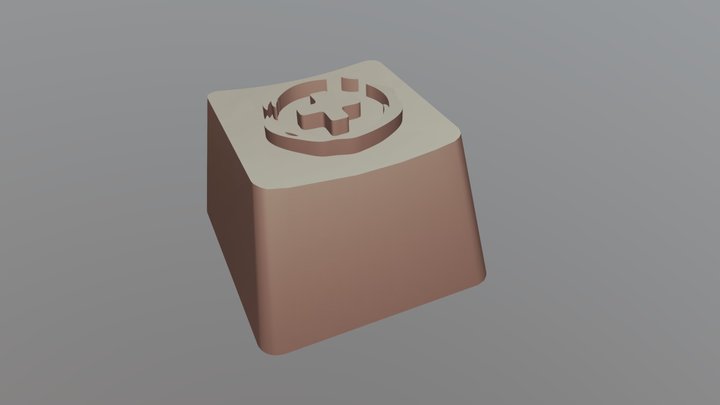
Slack Keycap for Mechanical Keyboard
21
Downloads
17
Likes
1
Makes
Checkout my other keycap models here - https://makerworld.com/en/u/1173640213/collections/162965 Steps to print: Print icon file in center of print bed Keep printer bed temps at 60 after icon is completed Swap filament for second colour of choice Print keycap file on top of the icon layer Slicer settings Layer height: 0.2mm Build Plate adhesion type: None Z-hop enabled: 0.2mm Using this for a slack mute key currently.
Did you print this model? Sign in and share your make!
Sign in to leave a comment
Sign inNo comments yet – be the first!