MakerWorld
Decor
Go to Model
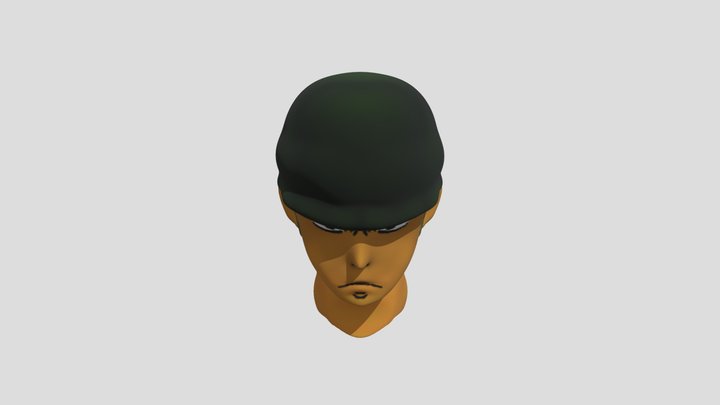
Wanted Zoro "Insert"
19
Downloads
10
Likes
3
Makes
I design this to make light box much more easier to be made. How? By 3D printing it. Below are tips of how the box works: 1) The curved hook inside the box is to attached any LED light strip all round the box and the wire can go out from the back slot.2) You can print it with no support needed!. Just follow the orientation shown in the picture.3) I made the tolerance for the box and its lid to be really fit and i printed with standard 0.4mm nozzle and Bambu lab P1P printer.4) Why is there 9 slots on side? It is to give enough space for background light as well so that you can place or swap any of my "inserts"!5) I have also include the STEP so that its good on the curve.
Did you print this model? Sign in and share your make!
Sign in to leave a comment
Sign inNo comments yet – be the first!