Thingiverse
WH-CH510 replacment bracket
by Nick_Heyart
36
Downloads
50
Likes
4
Makes
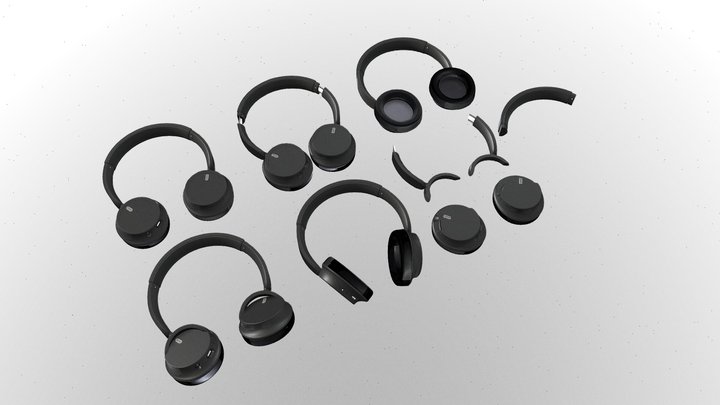
A replacement bracket for the right side of the Sony WH-CH510 headphones. If the left side is broken, be sure to mirror the model. The print will need supports as shown, as well as sanding on the inner curve to prevent it rubbing up against the ear cup (and possibly on the part that goes into the headband depending on the tolerances of your printer).
To install the new bracket, you will need to pull the padding off the ear cup in question. You will find a couple of Philips-head screws, remove them. The ear cup will then separate into two halves. You will need to de-solder any speaker wires, as the cable needs to be run through a hole in the replacement bracket. Be sure to remember where the speaker wires were soldered onto. Once this is done, bend the old bracket outwards and remove it from the ear cup.
Once you have the ear cup removed, turn your attention to the headband. Remove the screws holding in the cover, then pry it off with a spudger or flat-head screw driver if you don
To install the new bracket, you will need to pull the padding off the ear cup in question. You will find a couple of Philips-head screws, remove them. The ear cup will then separate into two halves. You will need to de-solder any speaker wires, as the cable needs to be run through a hole in the replacement bracket. Be sure to remember where the speaker wires were soldered onto. Once this is done, bend the old bracket outwards and remove it from the ear cup.
Once you have the ear cup removed, turn your attention to the headband. Remove the screws holding in the cover, then pry it off with a spudger or flat-head screw driver if you don
Did you print this model? Sign in and share your make!
Sign in to leave a comment
Sign inNo comments yet – be the first!