Thingiverse
Lightswitch IDs
di cylus80
10
Download
6
Likes
0
Makes
TITLE:
Lightswitch ID
Summary
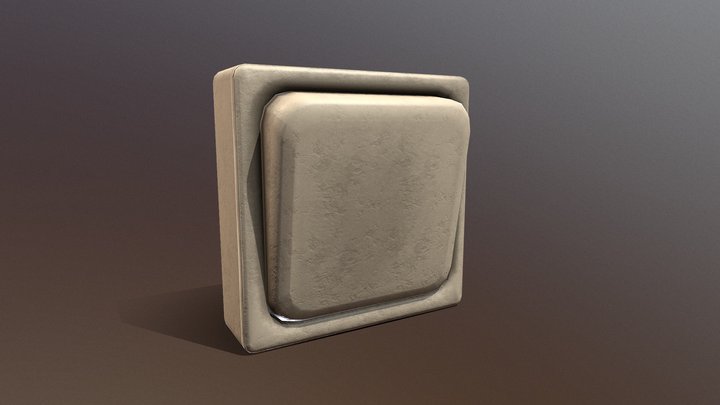
A light switch icon that you can use to mark what your lights switches control. They go on one of the screws.
TAGS:
Marker lightswitch icon tags switchtag lightswitchid
DESCRIPTION:
I am a maintenance man for some rentals and it gets exhausting telling people what each switch does (I cannot tell you how many calls I get about a broken dishwasher that ends up being a tenant turning off the switch for it), so I love FuzzyOrange's Switchplate Identifiers, and came up with a few more that I find helpful. They are not nearly as elegant as FuzzyOrange's but I hope others find them useful.
This listing has the design for:
-Dishwasher icon
-Outdoor light (wall mounted kind) icon
-Bathroom light icon
-Garbage disposal icon (garbage can)
-Recessed light
-Flood light
-Ceiling Fan
-Whole House Fan
-Bathroom Fan
-Outlet
-...
PARTS:
None
ASSEMBLY:
Remove one of the screws from the light switch, put screw through Icon, and then screw back
Lightswitch ID
Summary
A light switch icon that you can use to mark what your lights switches control. They go on one of the screws.
TAGS:
Marker lightswitch icon tags switchtag lightswitchid
DESCRIPTION:
I am a maintenance man for some rentals and it gets exhausting telling people what each switch does (I cannot tell you how many calls I get about a broken dishwasher that ends up being a tenant turning off the switch for it), so I love FuzzyOrange's Switchplate Identifiers, and came up with a few more that I find helpful. They are not nearly as elegant as FuzzyOrange's but I hope others find them useful.
This listing has the design for:
-Dishwasher icon
-Outdoor light (wall mounted kind) icon
-Bathroom light icon
-Garbage disposal icon (garbage can)
-Recessed light
-Flood light
-Ceiling Fan
-Whole House Fan
-Bathroom Fan
-Outlet
-...
PARTS:
None
ASSEMBLY:
Remove one of the screws from the light switch, put screw through Icon, and then screw back
Hai stampato questo modello? Accedi e condividi il tuo make!
Accedi per lasciare un commento
AccediAncora nessun commento – sii il primo!