MakerWorld
Electronics
Model downloaden
Logitech MX Master Thumb Button Spacer Fix
3
Downloads
3
Likes
1
Makes
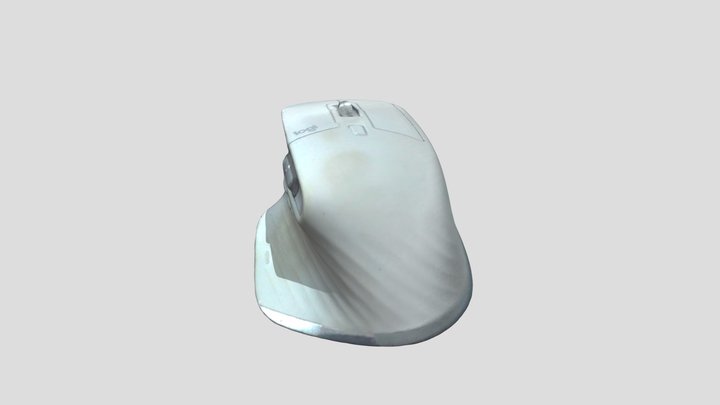
Logitech MX Master Thumb Button Spacer Fix (0.25mm / 0.5mm / 0.75mm / 1mm)This spacer is designed to fix a common issue with the Logitech MX Master mouse where the cursor suddenly stops moving. ProblemOn some MX Master models, the lower thumb button (the small button underneath the thumb area on the left side) can become permanently pressed due to wear or internal tolerances. When this happens, the mouse sensor may stop responding and the cursor will no longer move. SolutionAfter carefully opening the mouse, the small PCB (printed circuit board) that holds the affected thumb button can be unscrewed.By placing this spacer between the PCB and the housing and then tightening it back down, the unwanted constant button activation is eliminated. In my case, a 0.5 mm spacer solved the issue perfectly. To allow fine adjustment depending on your mouse and wear level, the following spacer thicknesses are included:0.25 mm0.5 mm0.75 mm1.0 mmYou may need to test which thickness works best for your
Heb je dit model geprint? Inloggen en deel je make!
Log in om een reactie achter te laten
InloggenNog geen reacties – wees de eerste!