Slicer Discord
Magic Sphere – 3D printable model from MakerWorld MakerWorld
Decor

Magic Sphere

by Gregor · Decor
12 Downloads
14 Likes
3 Makes
Go to Model
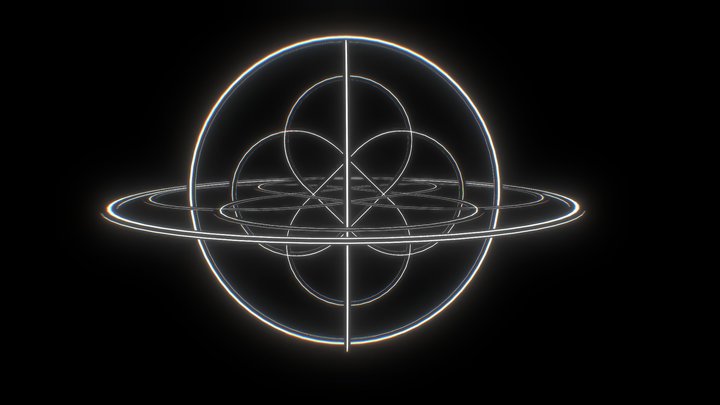
Recently saw similar model ($30) and thought this is my challange in TinkerCad and Printing 2 filaments and support filament (BambuLabs “PLA+PETG Support”).Designed in TinkerCad with extraordinary custumizable shapes ("screw threads"). Massaged this on and added a sphere (ball). Bottom part is for a ball bearing "6903". Not necessarily needed, but doesn't hurt if you have it.Both PLA filaments are silk silver and silk gold.The ball is 0.2mm oversized, so touches the spiral and is printed together with spiral. I have two versions, whereas photographs only show version 1 = 72mm high:Version1: what you see on the photographs. 72mm high, printed upside down, spiral glued to the bottom part. You can see overhang behavior. Printed on BambuLab A1 with AMS lite and Bambu Support PLA/PETG. Layerheight 0.15mm, print time (iaw. my settings) 14 hours, I prefer to print not too fast.Amount of waste is enormous: Total weight of filament = 135g, part itself only 30g, 89g poop, 16g
Category
Decor
Source
MakerWorld
Published
Updated
What you need to print this: Beginner Medium confidence
Why?
no supports · 2 colors
Support-free Single piece 2 colors / AMS Hardware needed
Supports 0/3
Assembly 0/3
Settings 1/3
Bed size 0/3
Post-process 1/3
Printer
FDM / FFF
File format
STL
Material
PLA, ABS, PETG
Colors
2 (AMS/MMU recommended)
Est. print time
14 h
Post-processing
Hardware
Software
Cura, PrusaSlicer, or similar
Frequently Asked Questions
Does Magic Sphere need supports when printing?
No supports needed for Magic Sphere — it's designed to print clean off the bed.
How long does it take to print Magic Sphere?
According to the design notes, Magic Sphere takes approximately 14 hours to print at standard settings (0.2 mm layer height, 15% infill). Actual print time varies based on your printer speed, layer height, and infill density.
What file format is Magic Sphere available in?
Magic Sphere is available in STL format. These files can be opened and sliced using free software such as Cura, PrusaSlicer, Bambu Studio, or OrcaSlicer for FDM printing, or ChiTuBox and Lychee Slicer for resin printing. The download is provided through MakerWorld.
Is Magic Sphere free to download?
Yes, Magic Sphere is available as a free download through MakerWorld. Always check the license on the original platform to understand commercial use, remixing, and attribution requirements.
No ratings yet
No comments yet – be the first!

Similar Models

6 Suggestions
Feed Blog Slicer Cost Calculator Image Search Submit Kontakt Discord ☕ Buy me a coffee
DE EN FR ES IT NL

Add to Collection